Application Features
Discover how GymSync empowers both Trainers and Athletes.
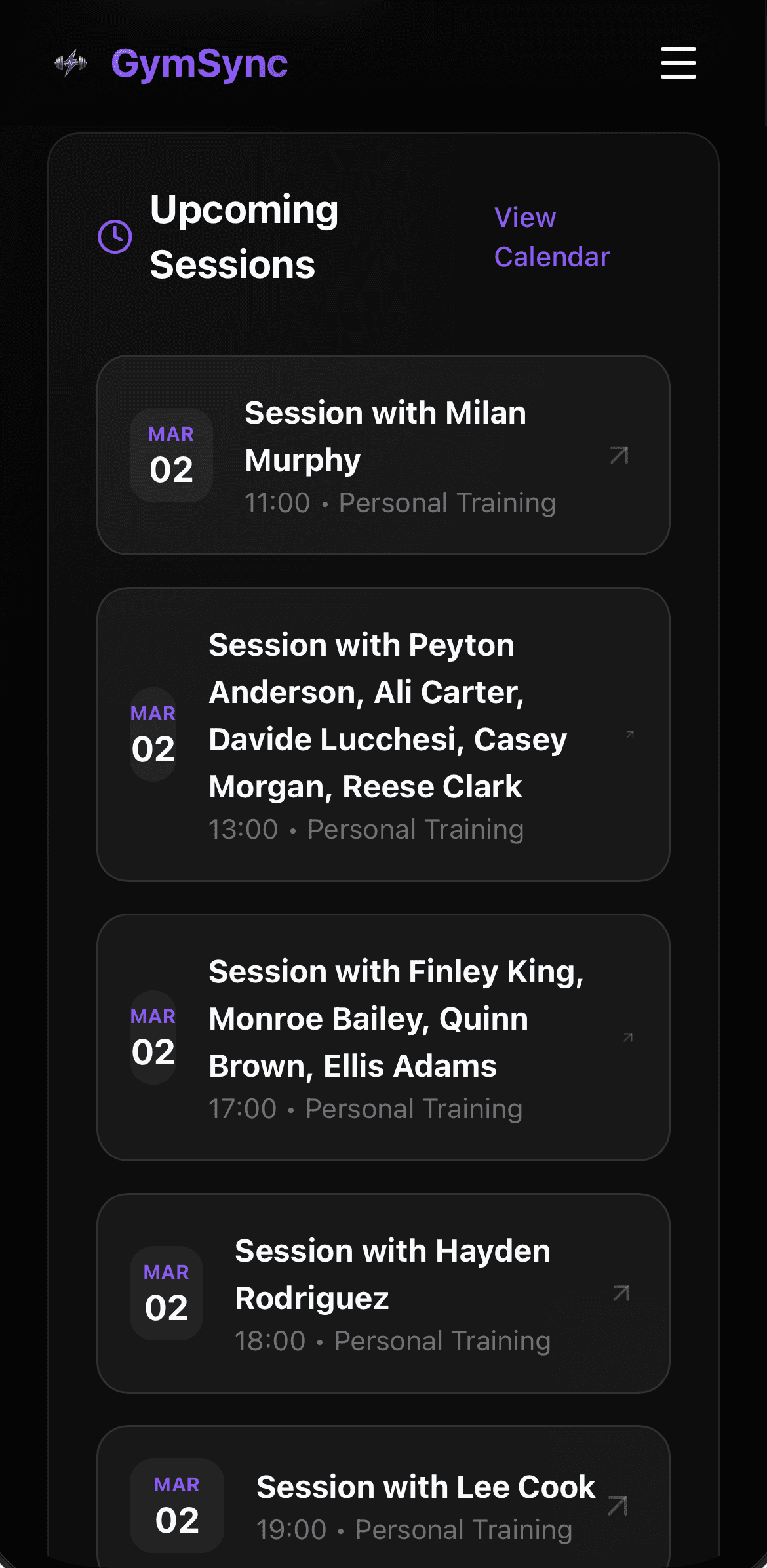
Command Center
Manage your entire business from a single view, with insights into active athletes and bookings.

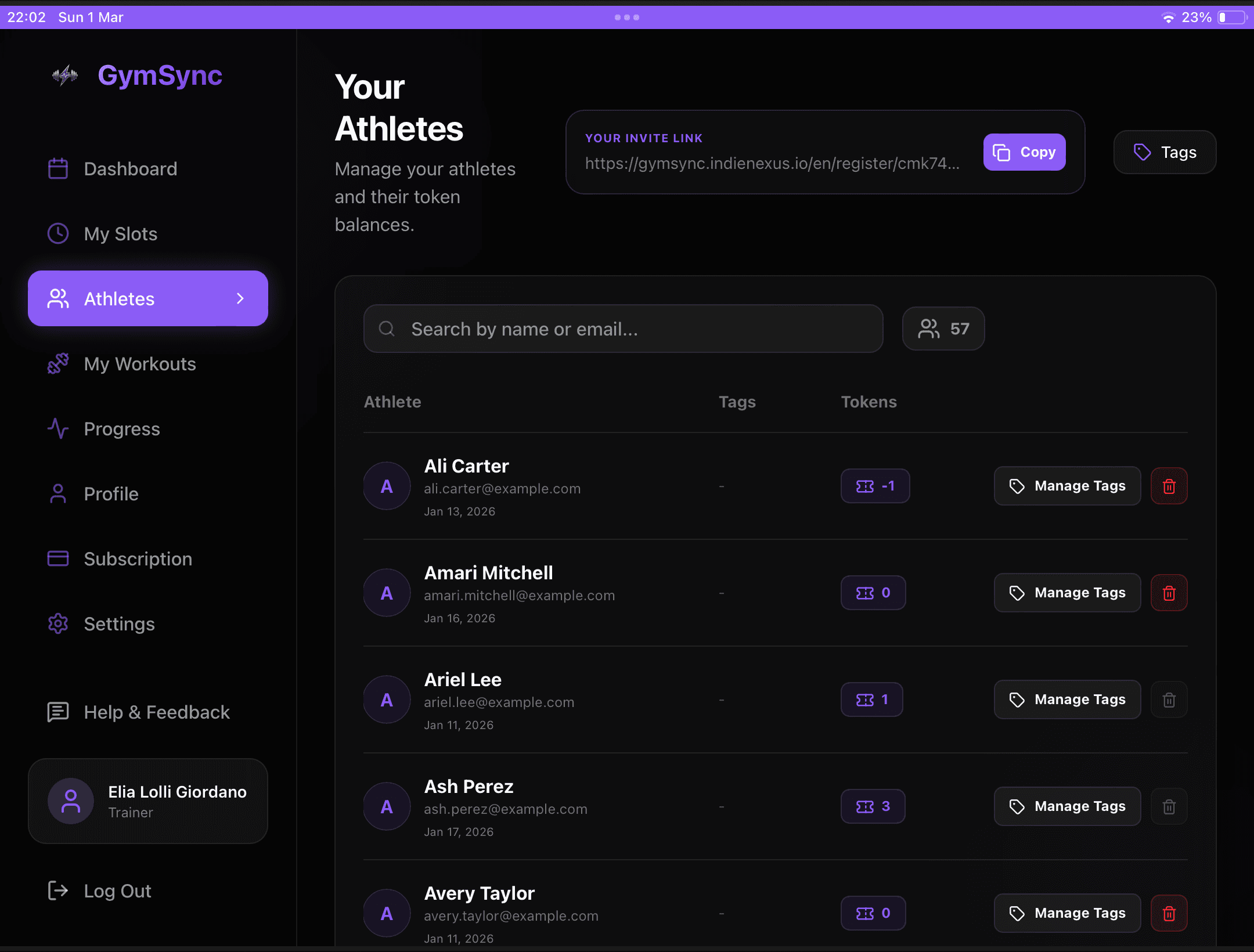
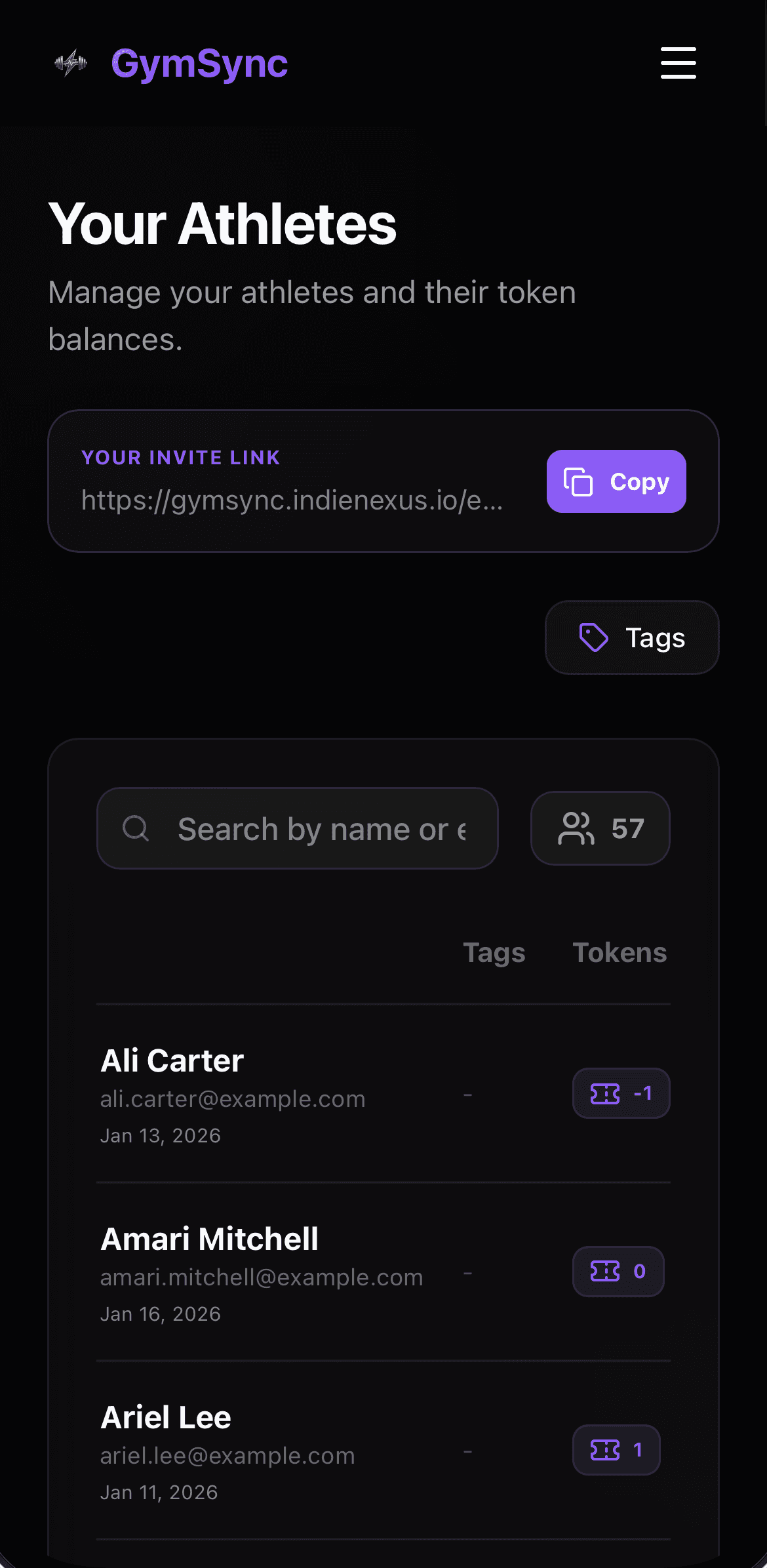
Client Management
Keep track of all your athletes, their balances, and assigned personalized tags.
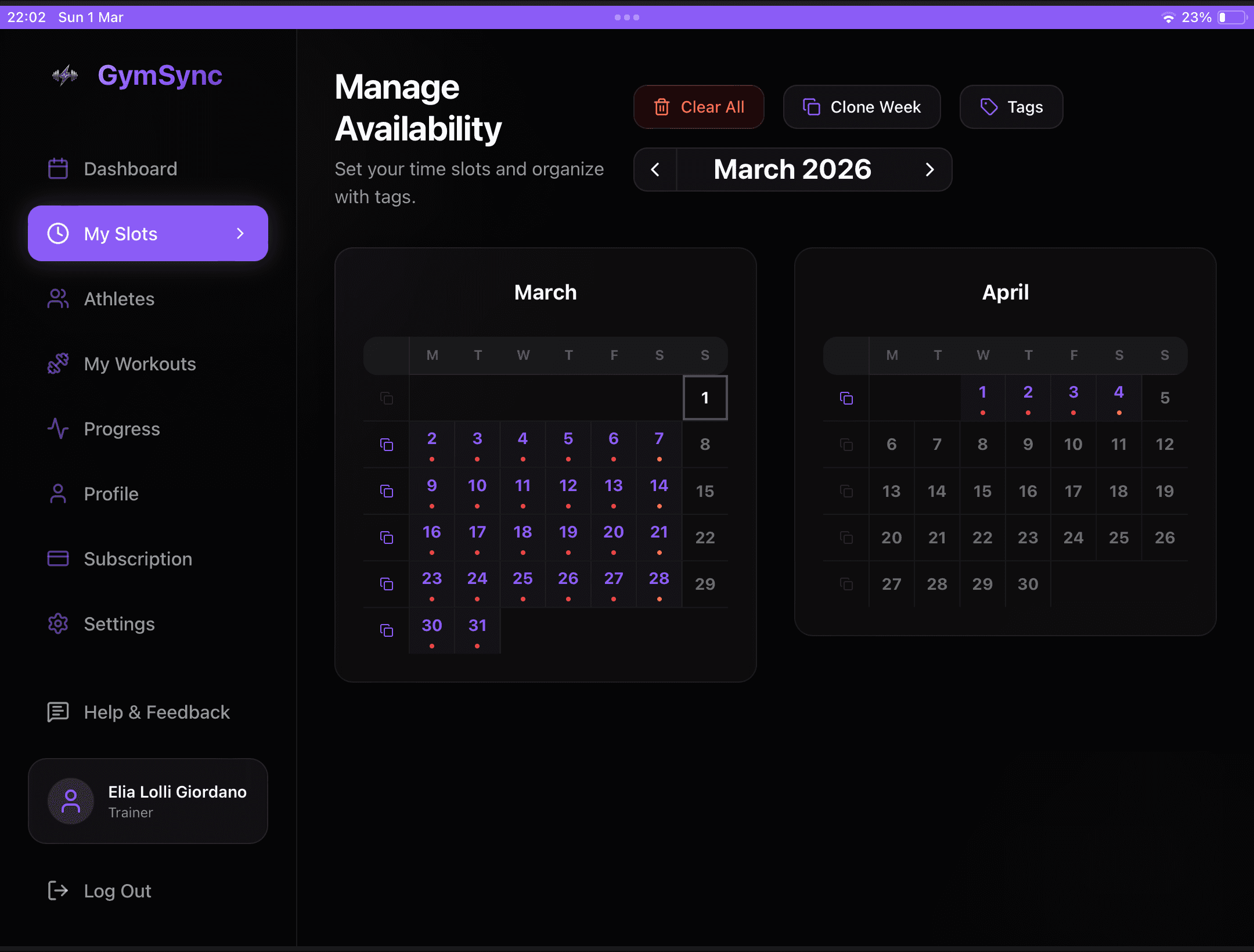
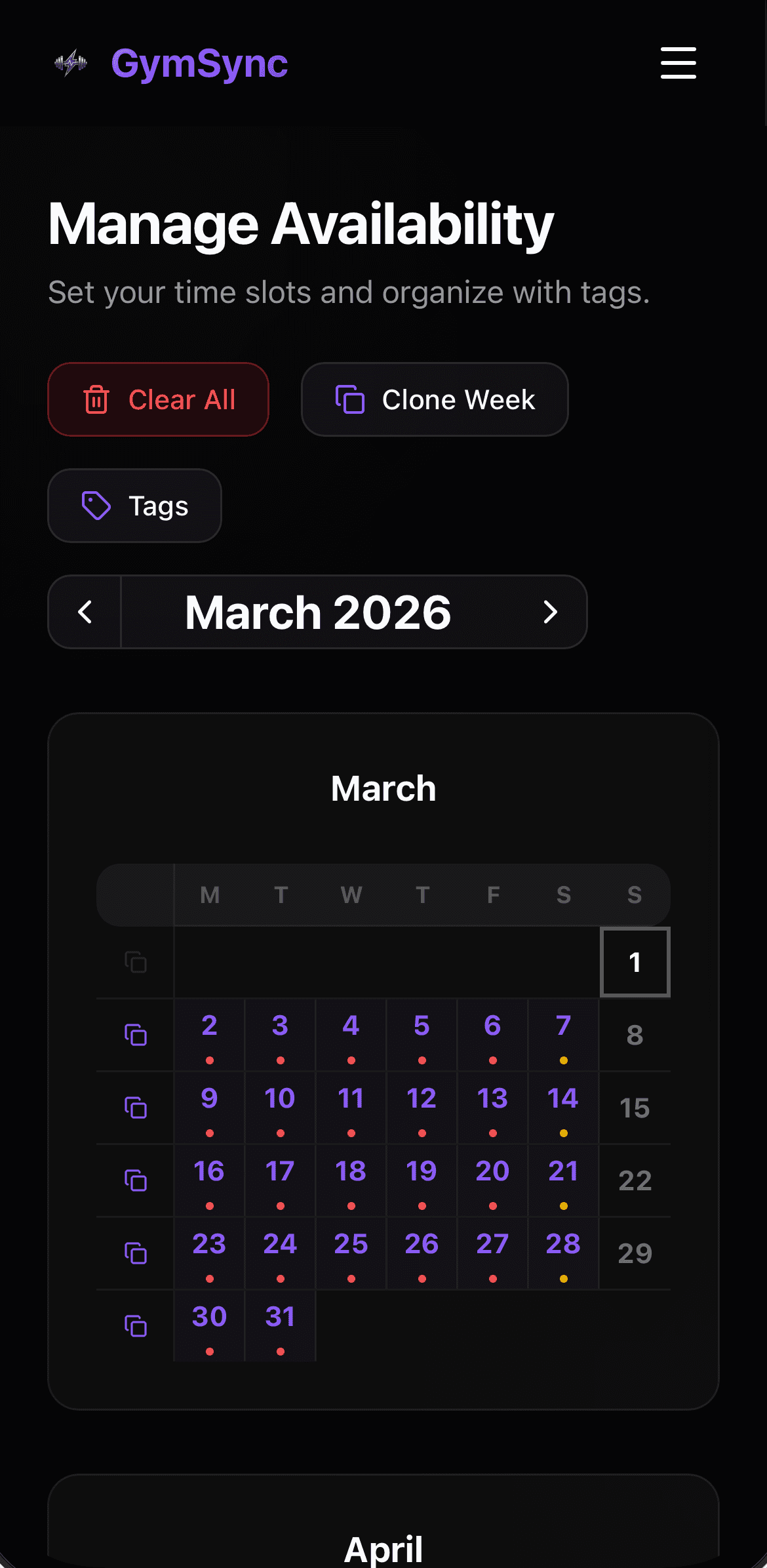
Flexible Slots
Create and clone weekly schedules easily. Use tags to organize different training types.
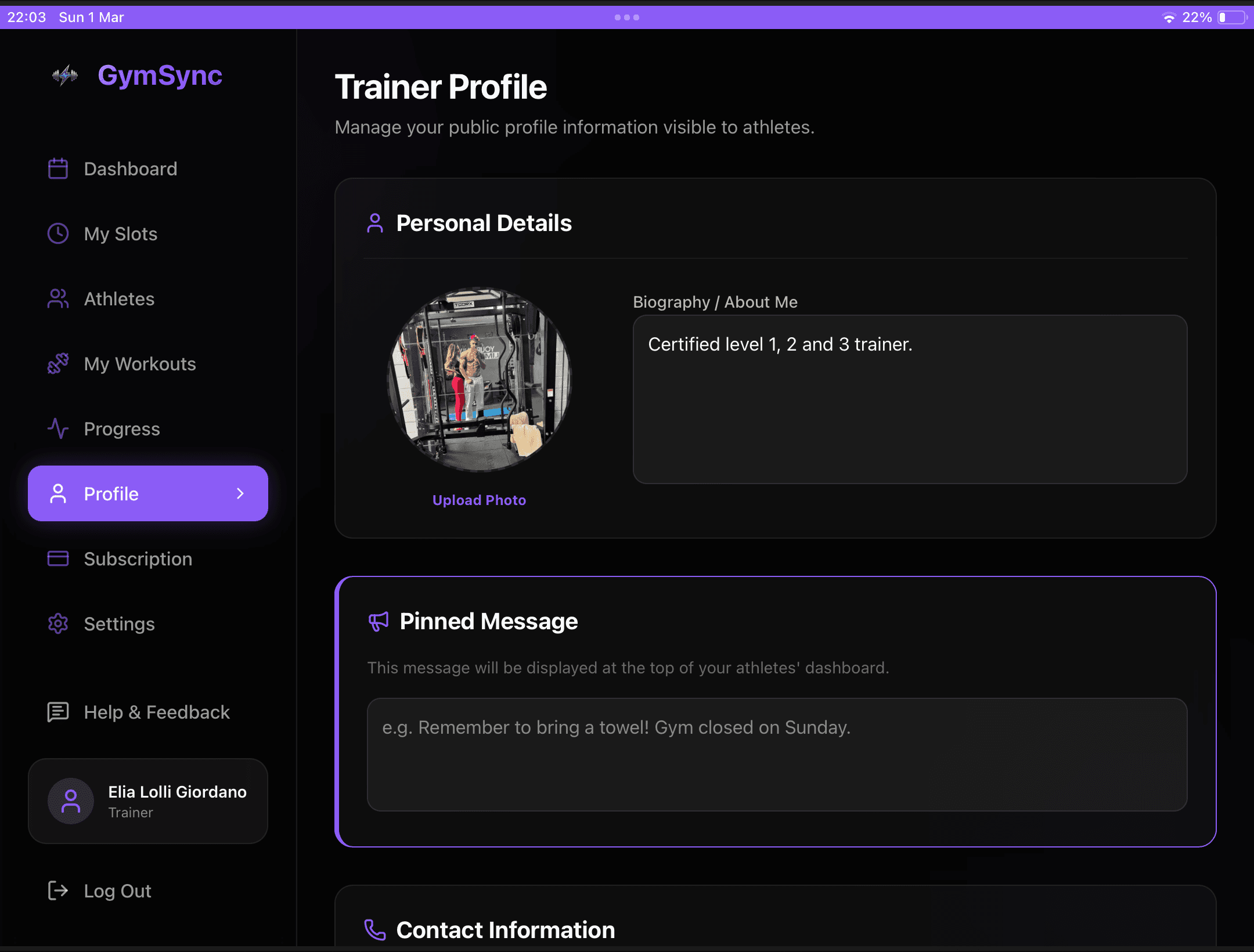
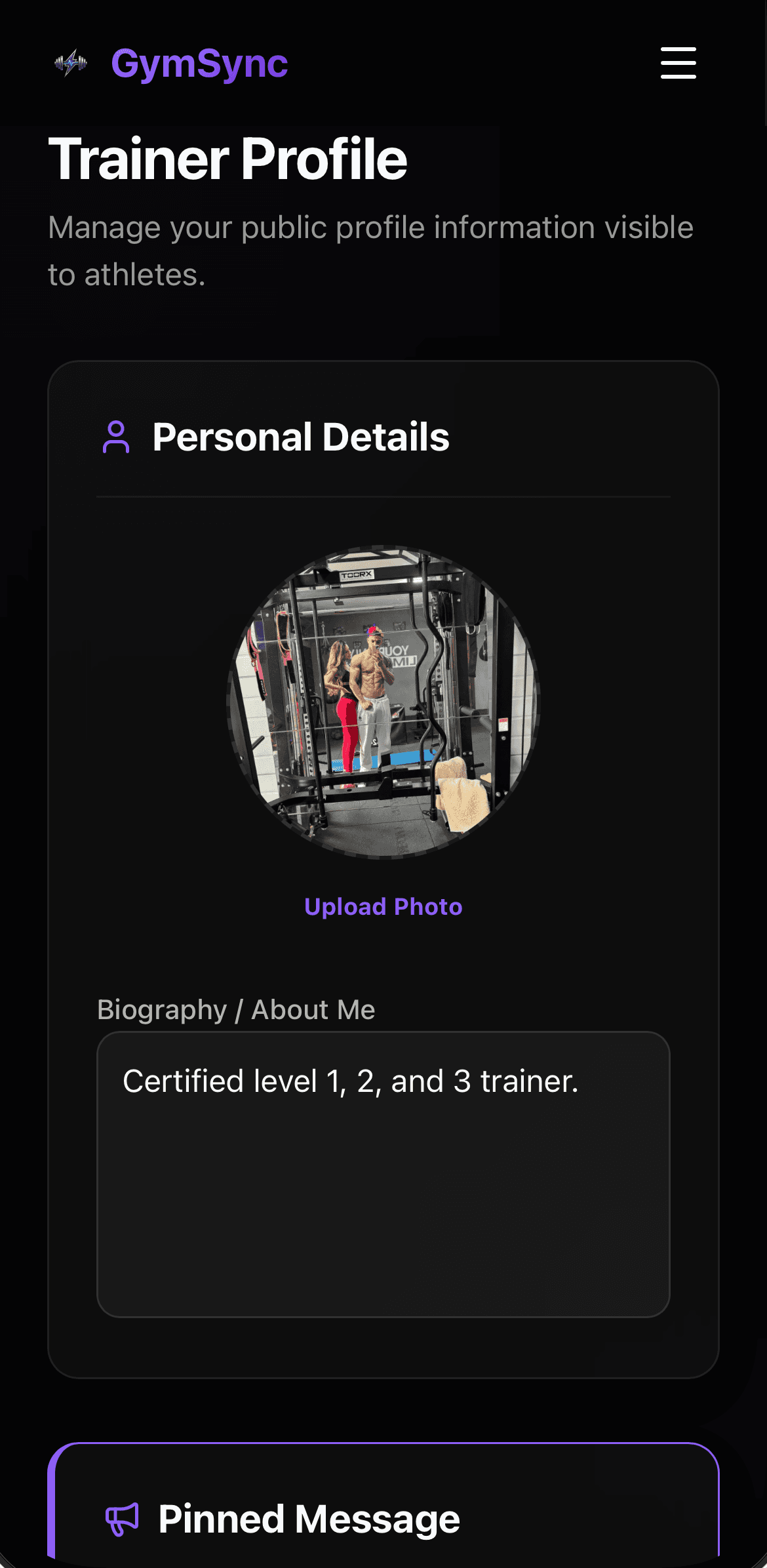
Trainer Profile
Manage your public profile with biography, social links, and a pinned message for your athletes.
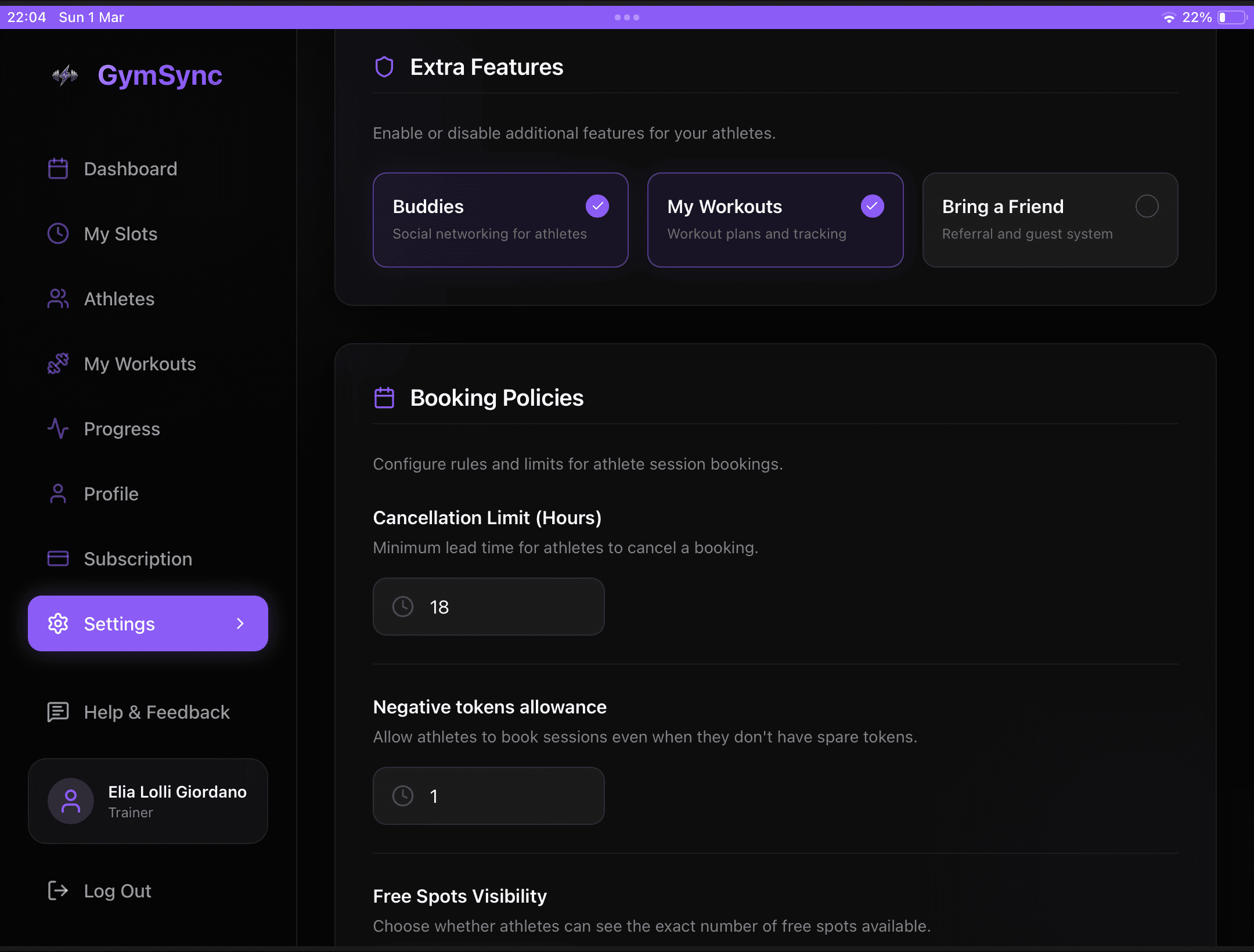
Customizable Experience
Individually enable or disable features like Buddies or Workouts based on your training style.

Athlete Evolution
Monitor your athletes performance in real-time and provide data-driven coaching.
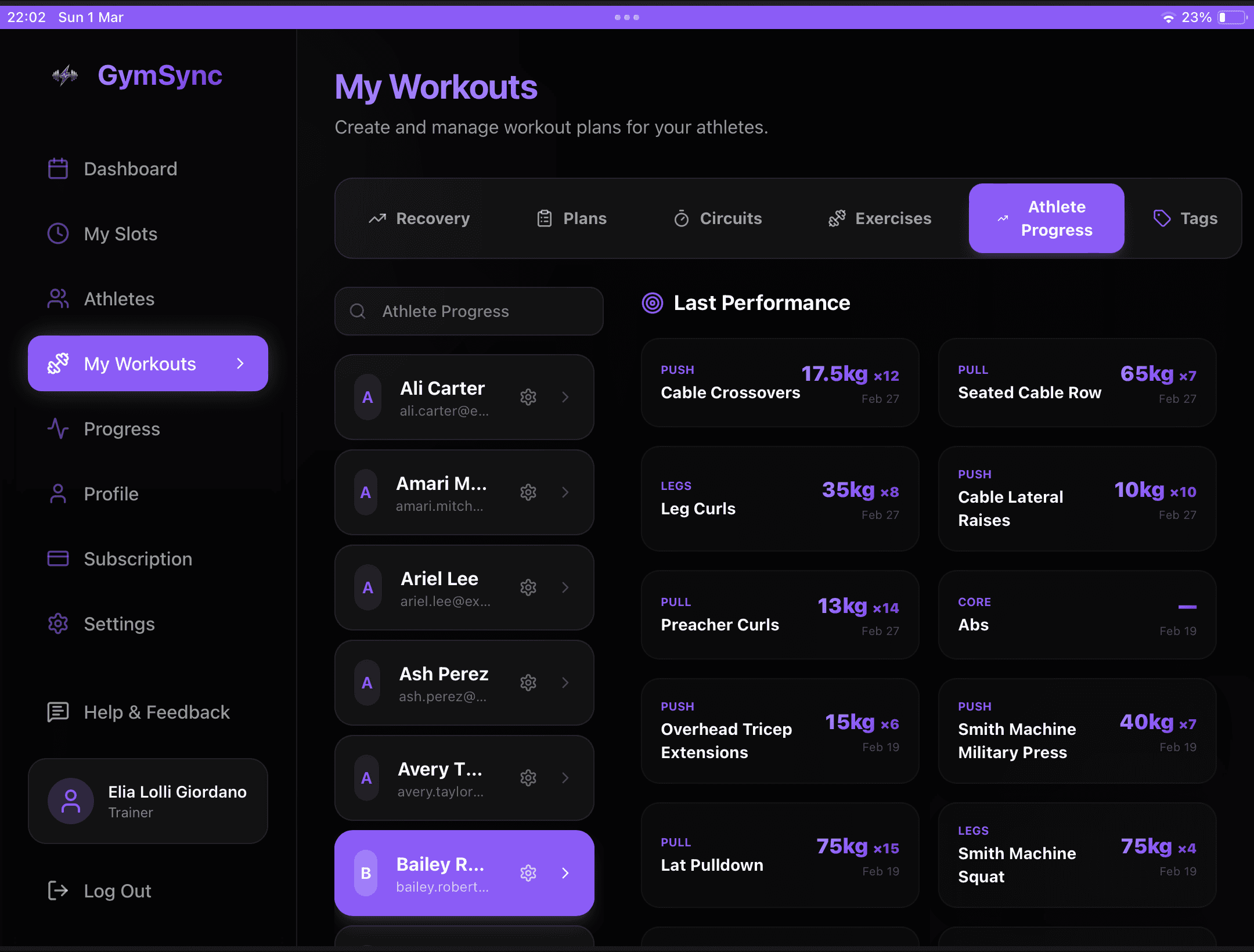
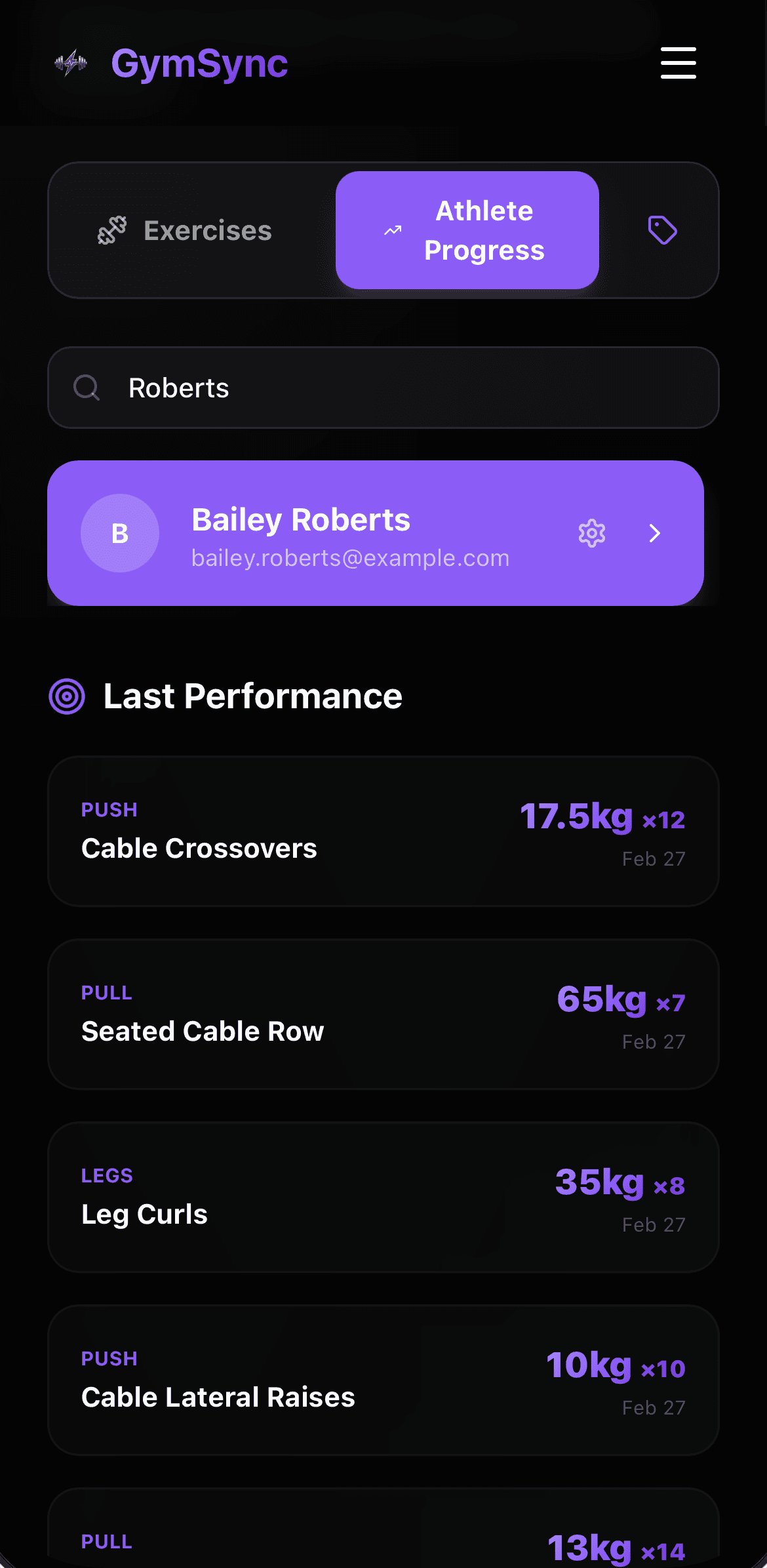
Available on Every Device
GymSync is optimized for mobile, tablet, and desktop. Access your data from anywhere.
Multilingual Support
The application is available in multiple languages to support an international community.
iOS (iPhone/iPad)
Open this page in Safari
Tap the Share icon (at the bottom)
Scroll down and tap 'Add to Home Screen'
Tap 'Add' to finish
Android
Open this page in Chrome
Tap the Menu icon (three dots)
Tap 'Install App' or 'Add to home screen'
Follow the prompts to install